
01
How you connect a camera
Enter RTSP URL, assign a class, set hours (e.g. 08:00–16:00) and grant parents. When live — authorized parents watch in the app.

TAGAN
Live view only, by hours and permissions — no download; daycare usually muted.
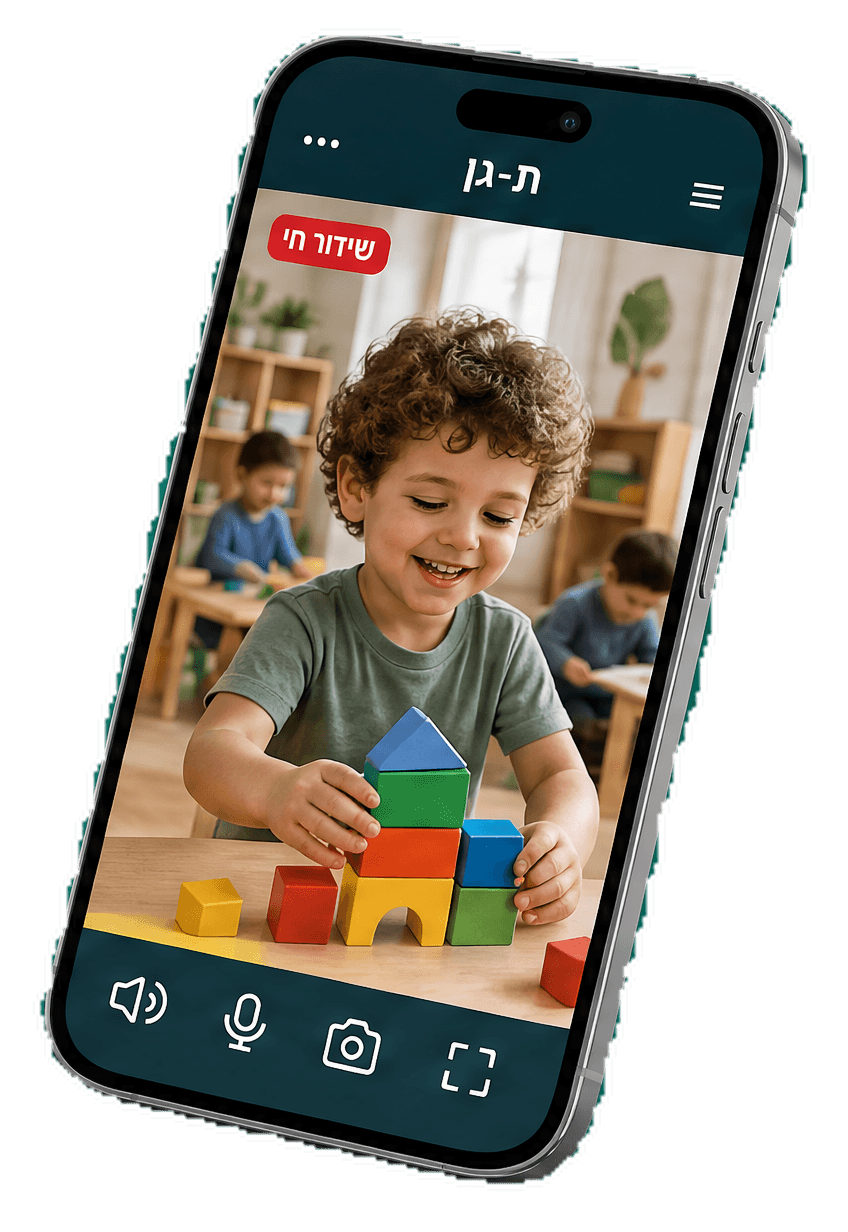
Tagan connects gan cameras (RTSP) for live parent viewing — only when allowed, only in set hours, only for the child’s class. Not a video archive — calm for parents, full control for owners.
WebRTC stream in the app. No download, no saved file.
Each camera has a view window and allowed parents only.
Muted by default — privacy for kids and staff.
Need a private moment? Turn the camera off — parents cannot watch.
01
Enter RTSP URL, assign a class, set hours (e.g. 08:00–16:00) and grant parents. When live — authorized parents watch in the app.
02
No parent archive, no download, full gan control. Peace of mind — not unlimited surveillance.
03
Private talk, nap time, or event — disable the camera. When off, no viewing. Control always stays with the gan.